
Edit Queue: Information
On the Queues page, by selecting the blue "Actions" button, a drop down will show the option to edit the Queue.
This will open a pop-up window on top of the Queues page that works as the Queue Admin panel. From here, users with the right permissions can manage the queue’s settings and control which actions are available.
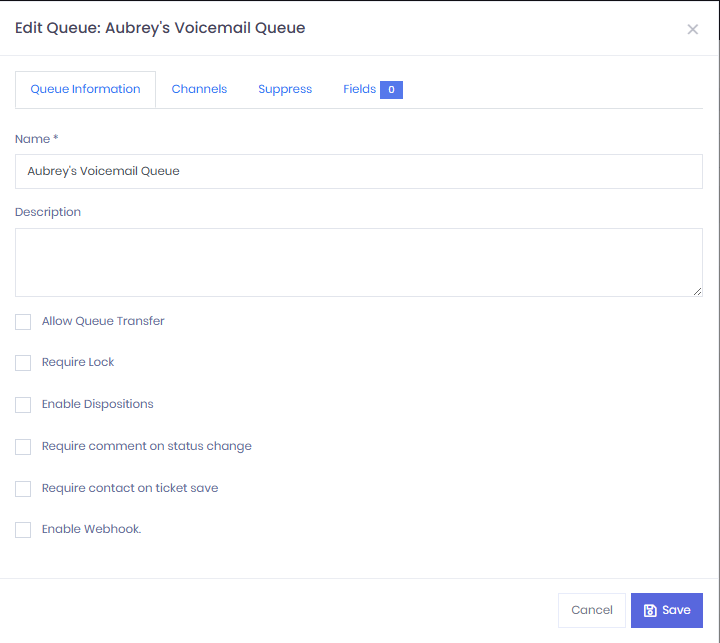
From the Queue Information tab, permissioned users are able to enable or disable the following functions/settings:
Allow Queue Transfer : This feature lets users move Cases or Tickets into or out of the selected queue.
Require Lock :
Enable Dispositions : Allows User to add a disposition on cases being handled. (Ex. Escalations, Cancellation, Other, etc) Disposition
Require Comment on Status Change : When a user updates the status of a Case—such as Closing it, marking it as Waiting for Information, or Rejecting it—they’ll be required to add a comment explaining the reason for the change. This helps other team members and supervisors quickly understand the context before taking further action.
Require Contact on Ticket Save : When closing a case, the user will be prompted to provide the contact information of the person they assisted.
Enable Webhook : When something happens (for example, a case is created or updated), the system instantly sends the details to another system.
Updated 8 months ago